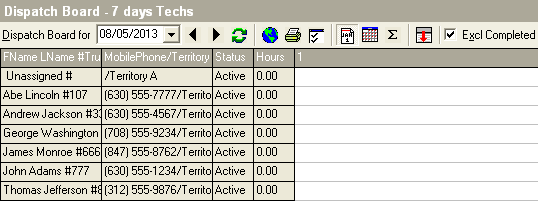
Daily:
The Daily Dispatch Board lists calls one day at a time. Each call will be pushed to the right.
Site Visit #1 will be in the 1st column, Site Visit 2, will be in the next column, and so on.
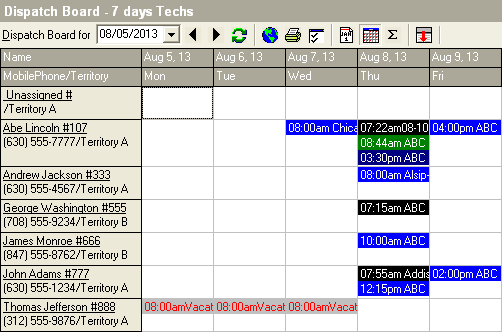
 Multi-Day:
The Multi-Day Dispatch Board shows a number of days that you set. Instead of pushing the Site Visits left to right, they are stacked on top of each other in that day. Also, notice the difference between the layout of the Daily Board versus the Multi-Day Board. Tech Information (i.e. Mobile Phone) is located directly underneath the technician's name. Status and Hours are not applicable on this board.
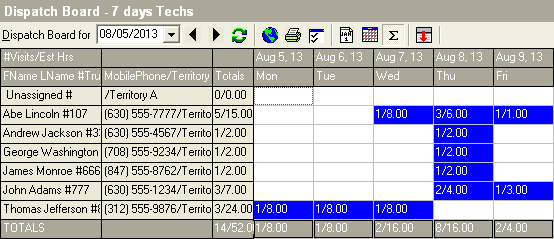
 Summary:
The Summary Dispatch Board shows a summary pertaining to the Site Visits. Instead of pushing the Site Visits left to right, they are stacked on top of each other in that day. Also, notice the difference between the layout of this board. Instead of Status and Hours, it shows Totals. The Totals column can be manipulated by the Board Insert Lists. In this example below, Number of Visits and Chargeable Hours are shown.