The Employees list shows all employees, which Group they are in, if they have login access, and if they are active.
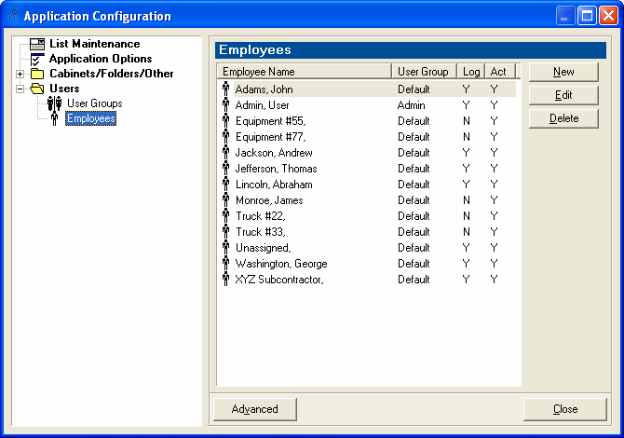
To Add an Employee:
1. Click New
2. The New Employee form appears
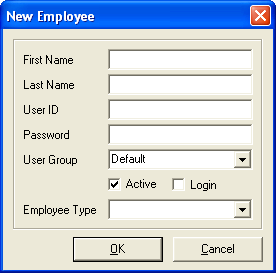
3. Fill out pertinent information
4. Click OK
To Edit an Employee:
1. Click on the employee
2. Click Edit
3. The Edit Employee form appears
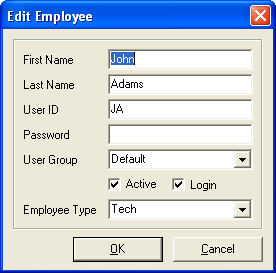
4. Edit information
5. Click OK
To Delete an Employee:
1. Click on the employee
2. Click Delete
3. The employee is deleted.