The Cabinet Form allows you to edit which folders are shown in the cabinet. It also lists the User Groups that have access to each Cabinet. You can create a new cabinet, edit, or delete an existing cabinet from this form. You can also add or remove which group has access to view these cabinets.
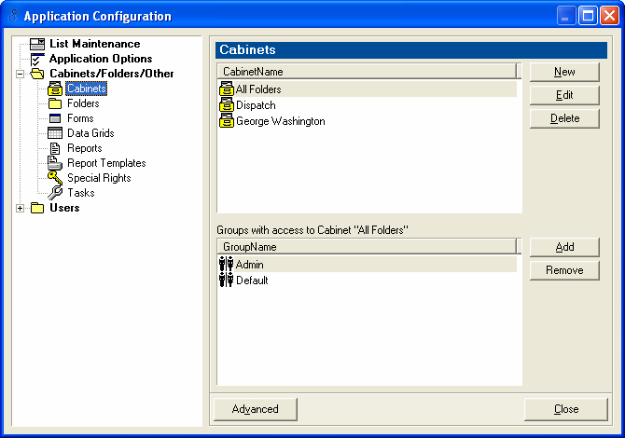
The default Cabinet is "All Folders" which has Admin and Default as groups that have access to this cabinet.
See User Group Rights for more details.