Customer

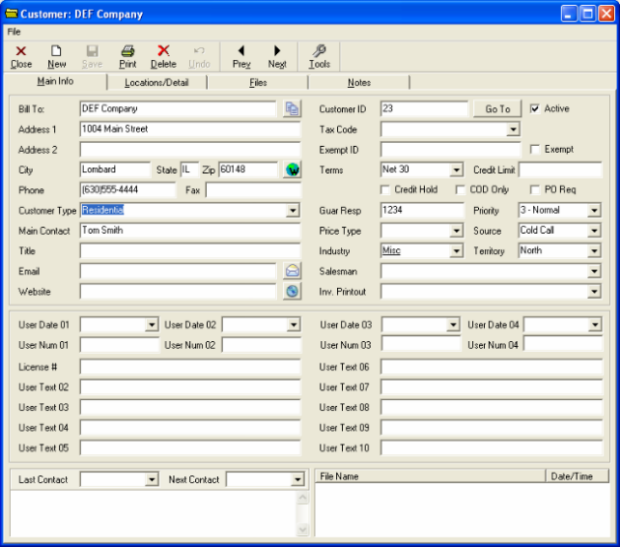
The Customer form allows you to edit information about your customers. The Main Info tab is used to edit and display the most general customer details.

Company: DEF Company - Main Info
Button - copy contents to clip board - This button allows you to copy the contents of the main info tab to the clipboard.
Button - web map of customer's location - This button directs you to a web map of the customer's location.
Button - prepare blank email with the customer's email as the recipient - This button will prepare a blank email with the customer's email set as the recipient.
Button - launches a web browser to the website that is filed (if applicable) - This button launches a web browser to the website that is filed (if applicable).
Button - lets you look up a customer via Customer ID # - This button lets you look up a customer via Customer ID #

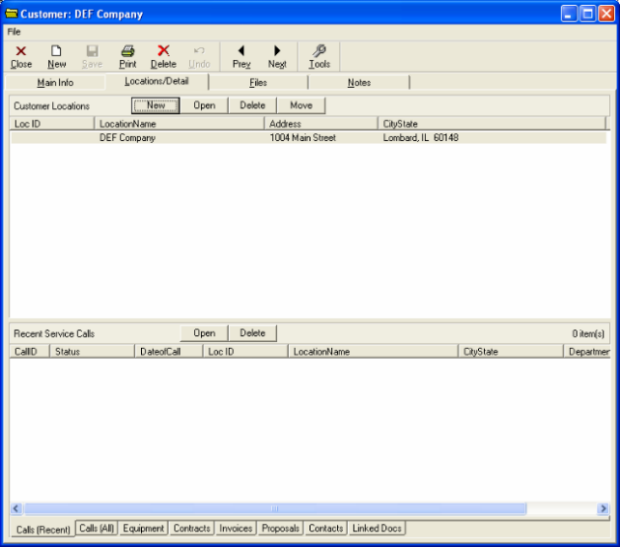
The Locations/Detail tab displays a list of all the customer's locations in the upper portion, while at the same time displaying a list of recorded service calls in the lower portion.

Company: DEF Company - Locations/Detail

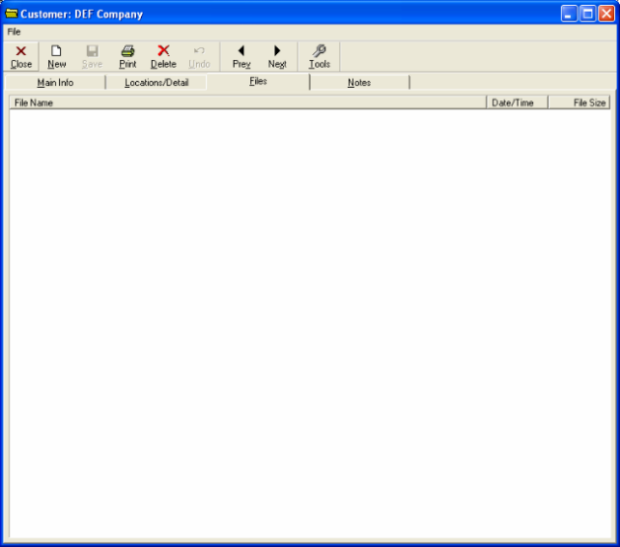
The Files tab will show links to any files that are associated with the customer. 

Company: DEF Company - Files

The Notes tab is for any written information you might choose to add that is relevant.

Company: DEF Company - Notes