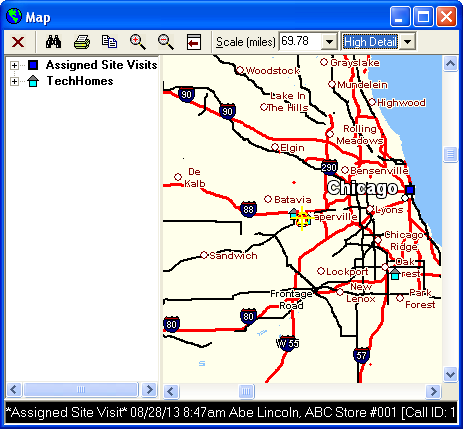
You need to Update Map Coordinates when you create new employees, customers, and locations in MRM. This will Geocode all the addresses so that they are visible points on the Maps. Doing so will allow you to schedule Technician's to certain Site Visits depending on their location.
To Update Map Coordinates:
1. Click File
2. Click Administration
3. Click Update Map Coordinates
4. The Update form appears
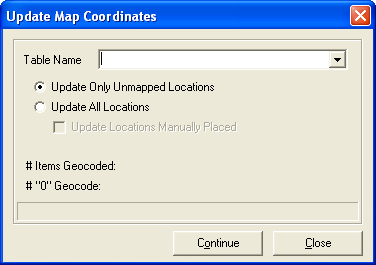
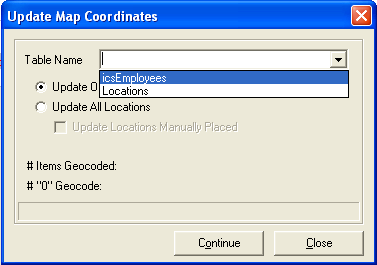
5. From the Table Name drop down menu, choose "icsEmployees" if you need to Geocode employee addresses or "Locations" to Geocode customer/location addresses.
6. Check the "Update only Unmapped Locations" radio button if you are updating your records or "Update All Locations" radio button if you have never Geocoded the addresses.
7. Click Continue
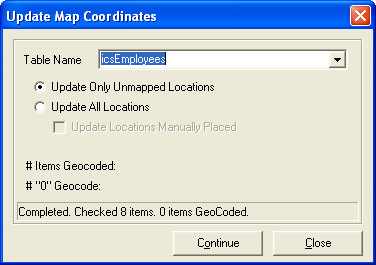
8. It will show how many addresses are being Geocoded in the bottom left corner.
9. Click Close when completed.
10. Click on a map to verify that the addresses are shown