The Data Grids list the names of the grids and what forms they relate to. This also shows which user groups have rights to these grids, in which you can add or remove a group or edit rights a group has to a specific grid. You can also create a new grid, edit, or delete an existing grid.
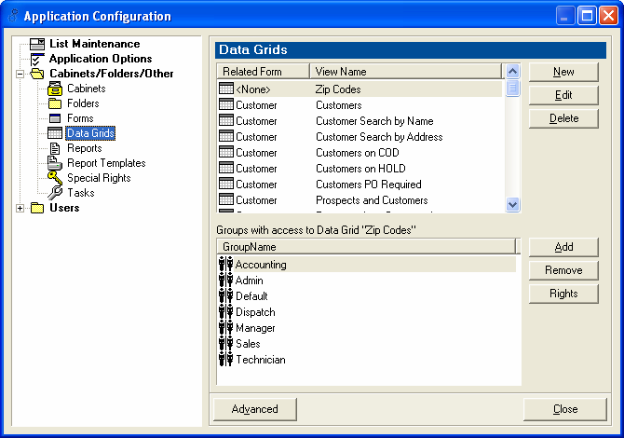
To Create a New Grid:
1. Click New on the Data Grid form
To Edit an existing grid:
1. Click on the grid
2. Click Edit
3. The SQL query view is now available to edit
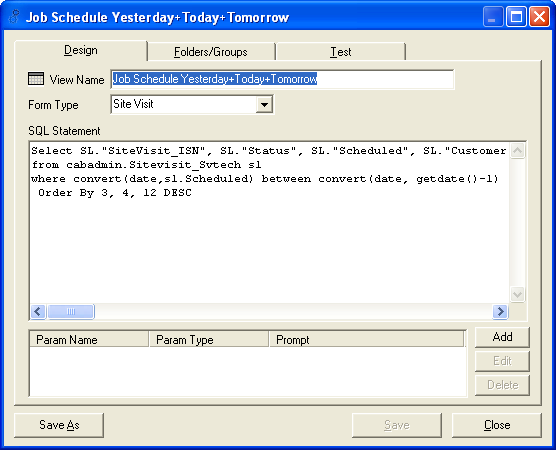
To Delete an existing grid that is listed on the Data Grid form:
1. Click on the grid
2. Click Delete