Contacts are useful for keeping track of acquaintances who are known to both you and your customers. To create a new contact, go to File > New Item > Contact. A form like this will appear:
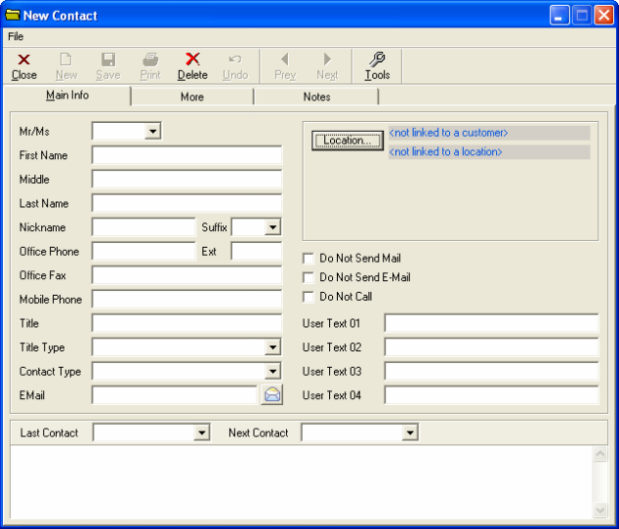
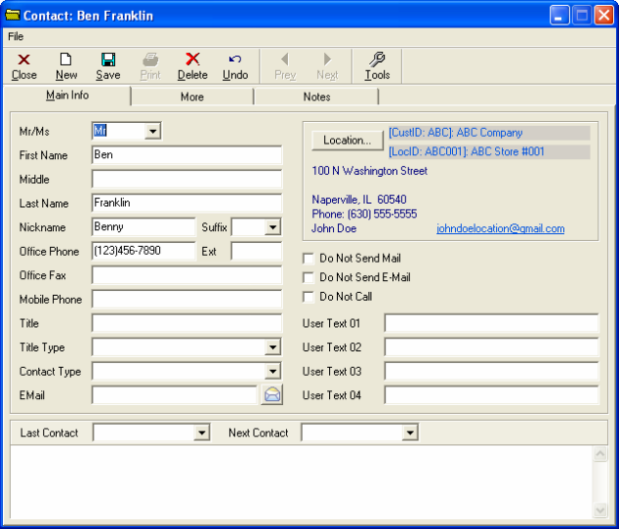
The Contact form is similar in nature to the other data forms, except that it is specialized to hold data on a single person. On the Main Info tab, you may enter information that describes this contact--specifically their name and different methods for reaching them. It is important to note that the Main Info tab shows which company or location the contact is associated with. A typical filled-out contact form may look like the example below:
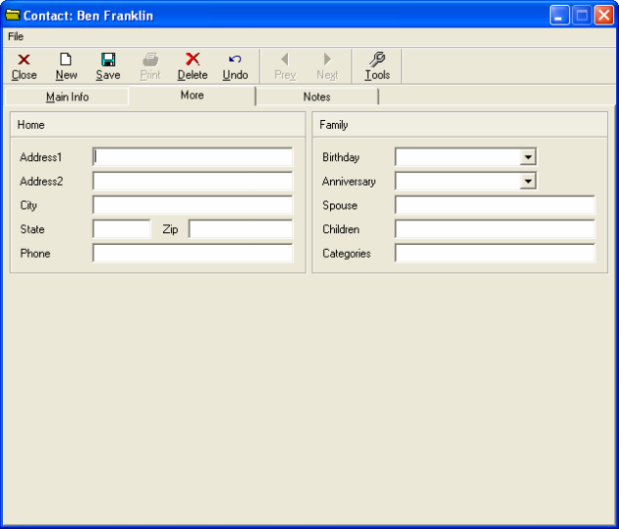
The More tab allows you to enter additional information.This includes fields for where the contact resides as well as their family details, if applicable.
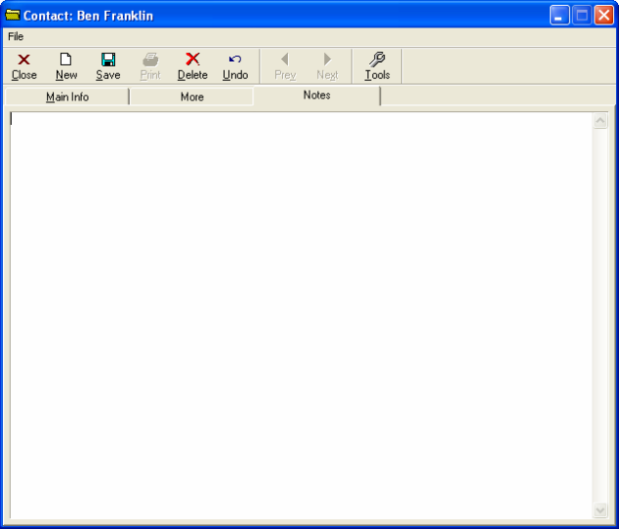
The Notes tab lets you write any comments desired.